

loading

Weather station

By Michal Novotný
December 19, 2025
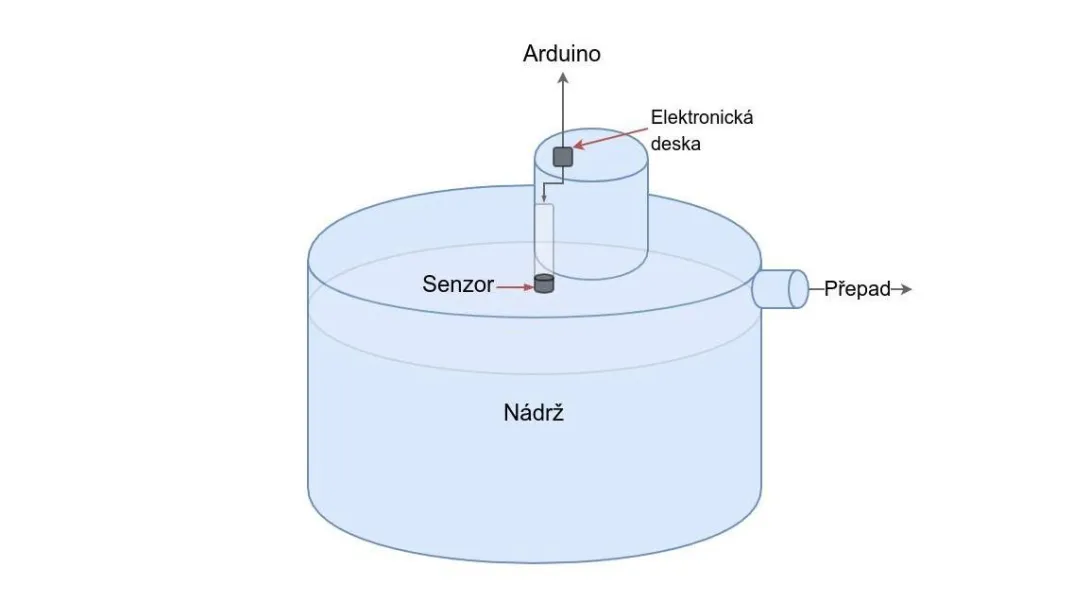
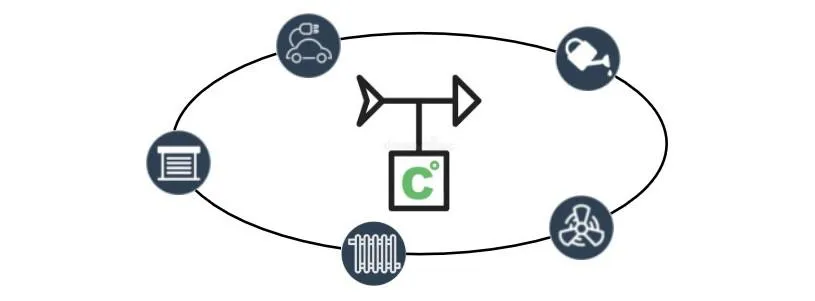
Local weather station allows you to track the exact direction and speed of the wind, the amount of rainfall but also the intensity of the sun's radiation. This information can be used, among other things, to protect interior of the house from the sun or wind and to decide on the garden irrigation. We will show you how connect commercial weather station with OpenHAB.

Tags

DALI device control via MQTT

By Michal Novotný
December 14, 2025
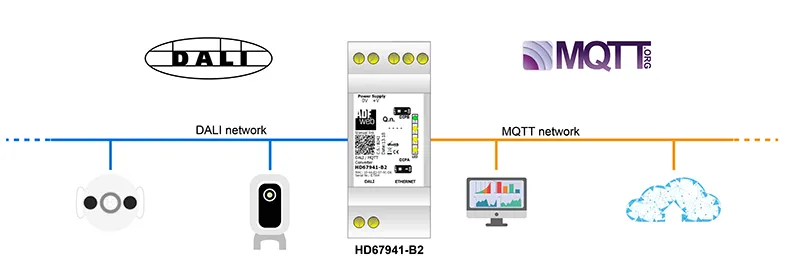
DALI (Digital Addressable Lighting Interface) is an open interface for lighting controls in the home, industrial buildings, public objects, etc. To connect to our OpenHAB system, we can use a commercial converter from ADFWEB called HD67941-B2 - DALI / MQTT - Converter. In the article, we will show how to use this converter in conjunction with MQTT.
Tags

Alarm from existing PIR sensors in a smart home

By Michal Novotný
December 14, 2025
In a your smart home, PIR sensors may not only be used to switch lights on and off based on motion, it is possible to utilize these sensors to detect the presence of motion in a particular room. This information can be used to create a relatively reliable uncertified home security system. In this guide, you will find the logic for how this can work in the OpenHAB software in our model smart home.
Tags

Advanced PIR sensors features in OpenHAB

By Michal Novotný
November 21, 2025
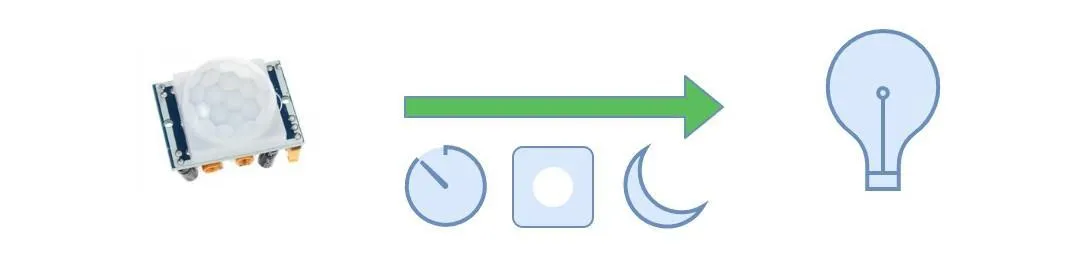
The HC-SR501 PIR sensor contains mechanical adjustement for range detection and time. But in an intelligent house, we want to be able change time how long the light will be active and change whether the light will be controlled by PIR or not. You can find a tutorial how to config your PIR sensor to enable this features in this article.
Tags

Advanced disk cloning

By Michal Novotný
November 20, 2025
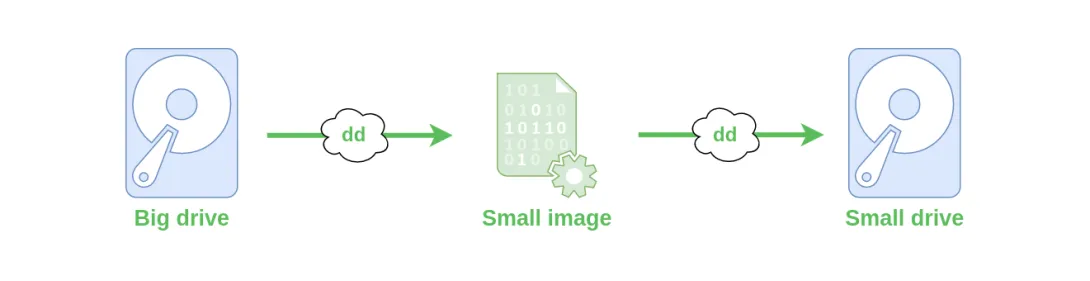
The classic disk cloning tool in Linux is the dd command. This command can create a disk image or write the contents of an image back to a disk. However, dd must be used carefully, and it’s important to understand how it works. In this guide, we’ll demonstrate a more advanced technique for creating a disk image that includes unallocated space. A typical use case is when you have Raspbian installed on a 250 GB disk, but the system only uses a small boot partition (e.g., sda1) and a main operating system partition (e.g., sda2), which together occupy only 15 GB. Instead of saving a full 250 GB image, you can save just the two partitions totaling 15 GB. This results in a smaller image that can later be expanded to whole disk.
Tags

Tailscale - remote access without public IP

By Michal Novotný
November 19, 2025
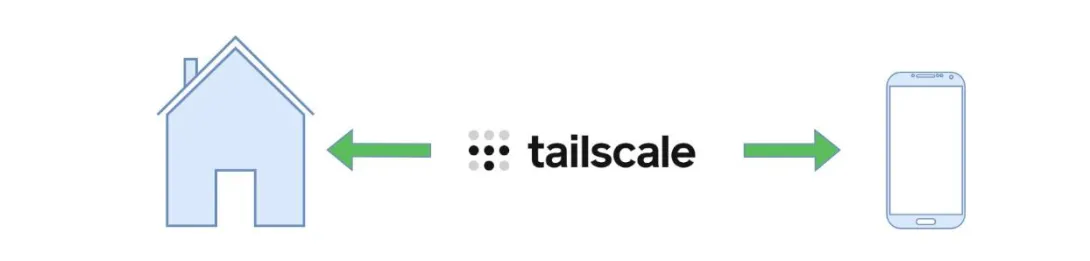
The Tailscale service solves access between individual devices if you don't have a public IP address. It's free for one user with support for up to 100 devices. We'll show you how to install Tailscale on a Raspberry Pi that you'll have at home and on a client (Android, iPhone) from which you'll want to access the home Raspberry Pi. Our example will be remote access to OpenHAB running on a Raspberry Pi. However, the same setup applies to many other applications - home NAS, PiHole, Home Assistant, Domoticz, NextCloud, and others.
Tags