



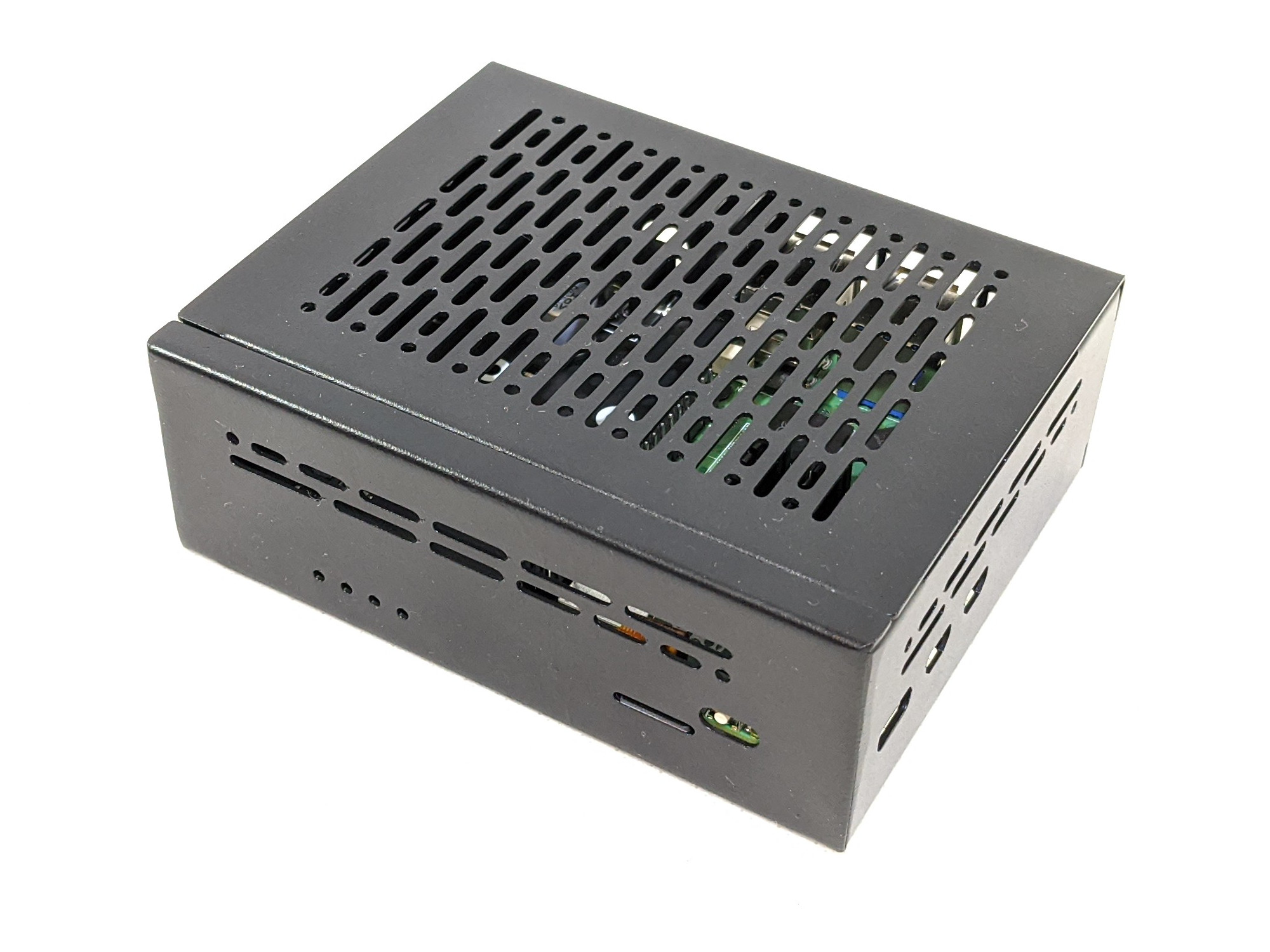
PiNAS 2x1TB Bundle
Home NAS server with automatic photo and file backup — no monthly fees, ever. Plug it into your network, open a browser, and you're ready to go.
Paying monthly for cloud storage? Photos in Google Photos, iCloud or Dropbox? You don't have to anymore.
Pi-NAS is your own home NAS server — physically at your place. Photos, videos and documents for the whole family are stored on your hardware, not on foreign servers abroad. And in case a drive fails, your data is automatically mirrored to a second drive.
Your photos. Your data. Your rules.
What you get
Hardware
Raspberry Pi 5 (Raspberry Pi Foundation) fitted with a Suptronics X1016 NVMe expansion board and NVMe SSD drives, all housed in a compact aluminium Geekworm X1011-C1 chassis.
Software
Raspberry Pi OS Lite comes pre-installed with the open source NAS software Open Media Vault (OMV) and the app manager CasaOS, which lets you control everything through a clean web interface — no command line needed.
In Nextcloud, a dedicated drive is set up for data, which is automatically mirrored every night via OMV using Rsync to a second identical drive. If the primary drive fails, you have a complete copy of your data on the backup drive.
Pre-installed apps
Nextcloud — automatic backup of photos and files from your phone and computer, shared calendars and contacts for the whole family. The Memories module offers browsing photos on a timeline.
Open Media Vault — NAS software with support for drive mirroring and backup. Keeps your data safe even if one drive fails.
Pi-hole — blocks ads and tracking at the network level, on every device at once, with no browser extensions required.
One-click extensions
Through CasaOS you can install additional popular apps at any time, for example: n8n, Home Assistant, OpenHAB, evcc, Paperless-ngx and many more.
Openness and documentation
All software and configuration images are published as open-source on OpenTUX. CE declarations of conformity and technical documentation for individual hardware components are available on the respective manufacturers' websites.
Design
- Elegant all-metal chassis in matte black
- Stylish LED status indicators
- Silent operation with no active cooling
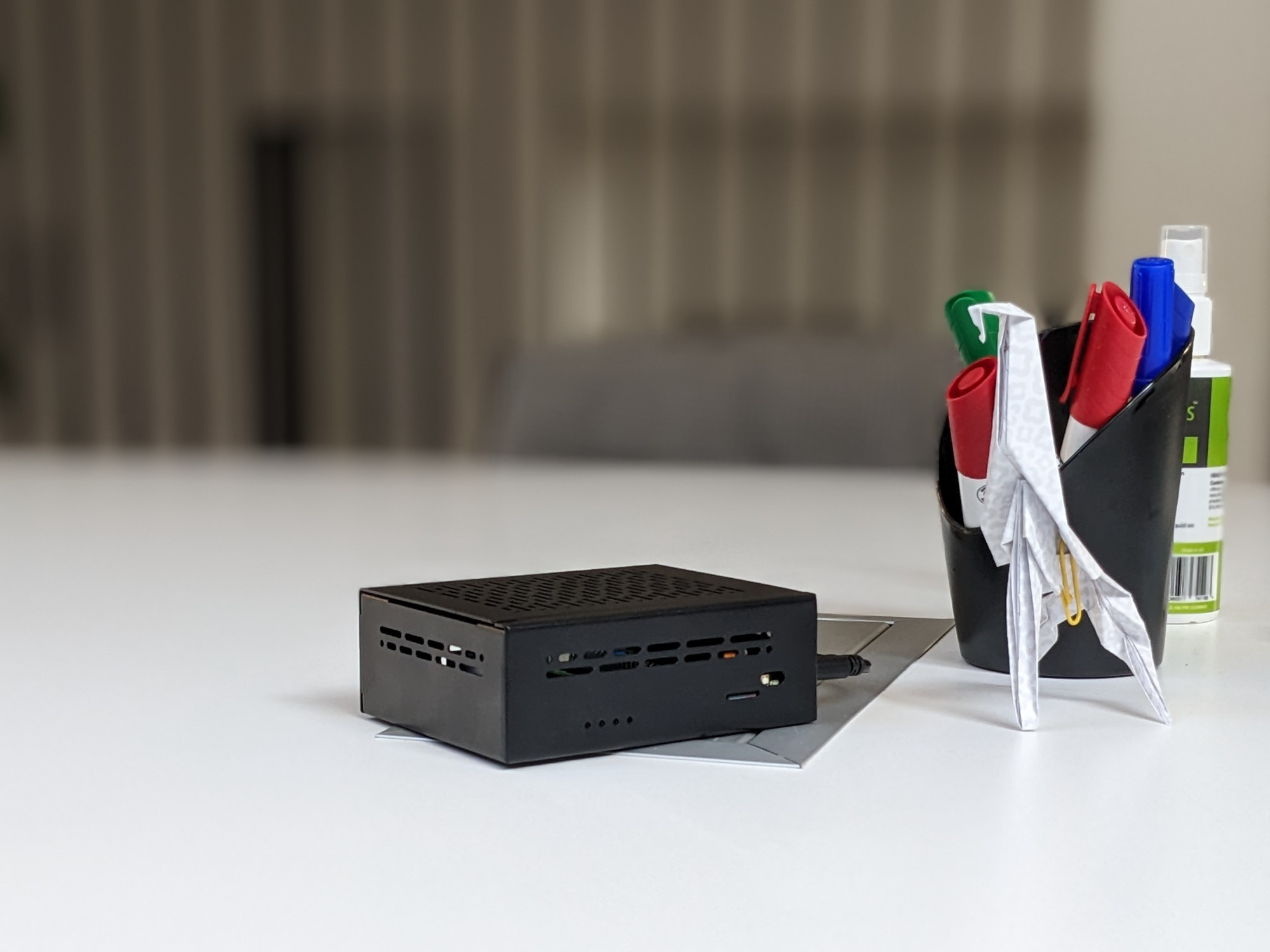
- Compact and lightweight (~350 g)
- Dimensions: 11.5 × 9.2 × 4.1 cm
Sustainability and self-sufficiency
Ultra-low power consumption — only ~7 W at idle
Easy upgrade — simply swap out the single-board computer or individual components
Self-repairable — straightforward component replacement
Versatile use: NAS, Home Assistant, evcc and more
Versatility
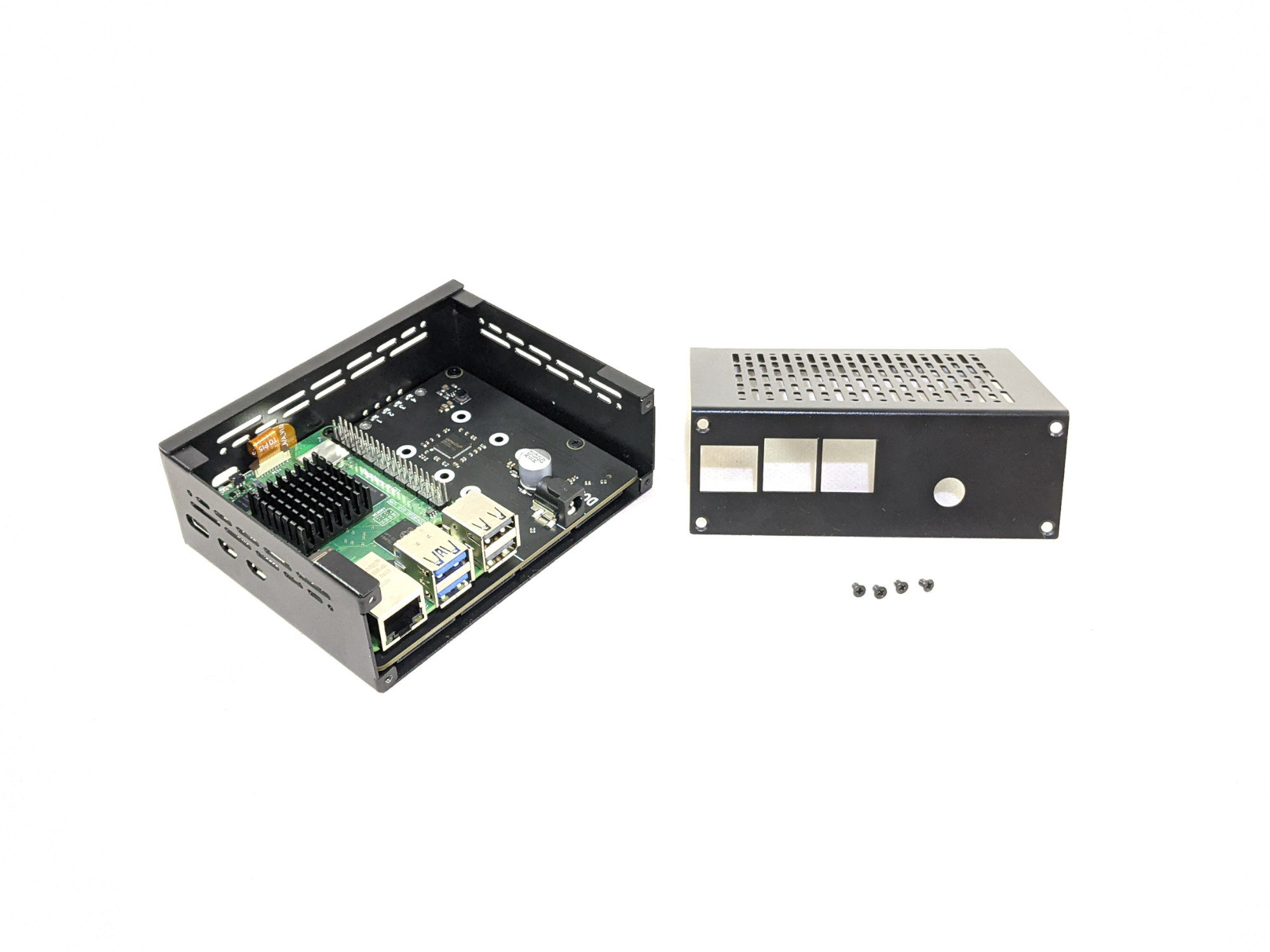
Pre-installed 1× 256 GB NVMe SSD for the system
2× 1 TB NVMe SSD for data (mirroring)
One free slot for an additional SSD
Option to connect additional external drives
2× powered USB 3.0 ports
2× powered USB 2.0 ports
2× microHDMI outputs for connecting monitors
What's in the box
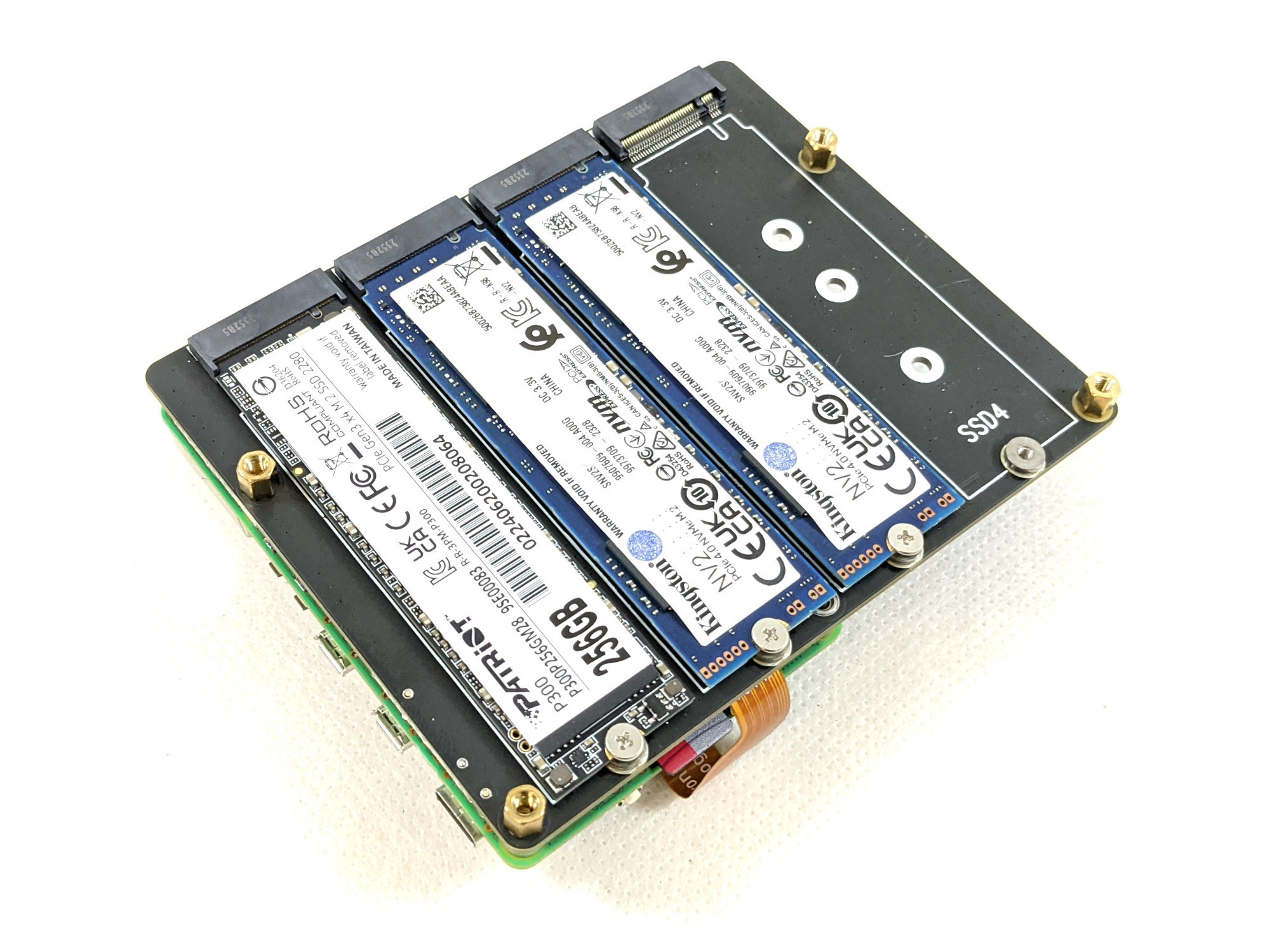
Raspberry Pi 5 with 8 GB RAM with passive cooling
Suptronics X1016 NVMe expansion board
Geekworm X1011-C1 aluminium chassis
1× 256 GB NVMe SSD (system)
2× 1 TB NVMe SSD (data)
12 V power adapter
2 m LAN cable
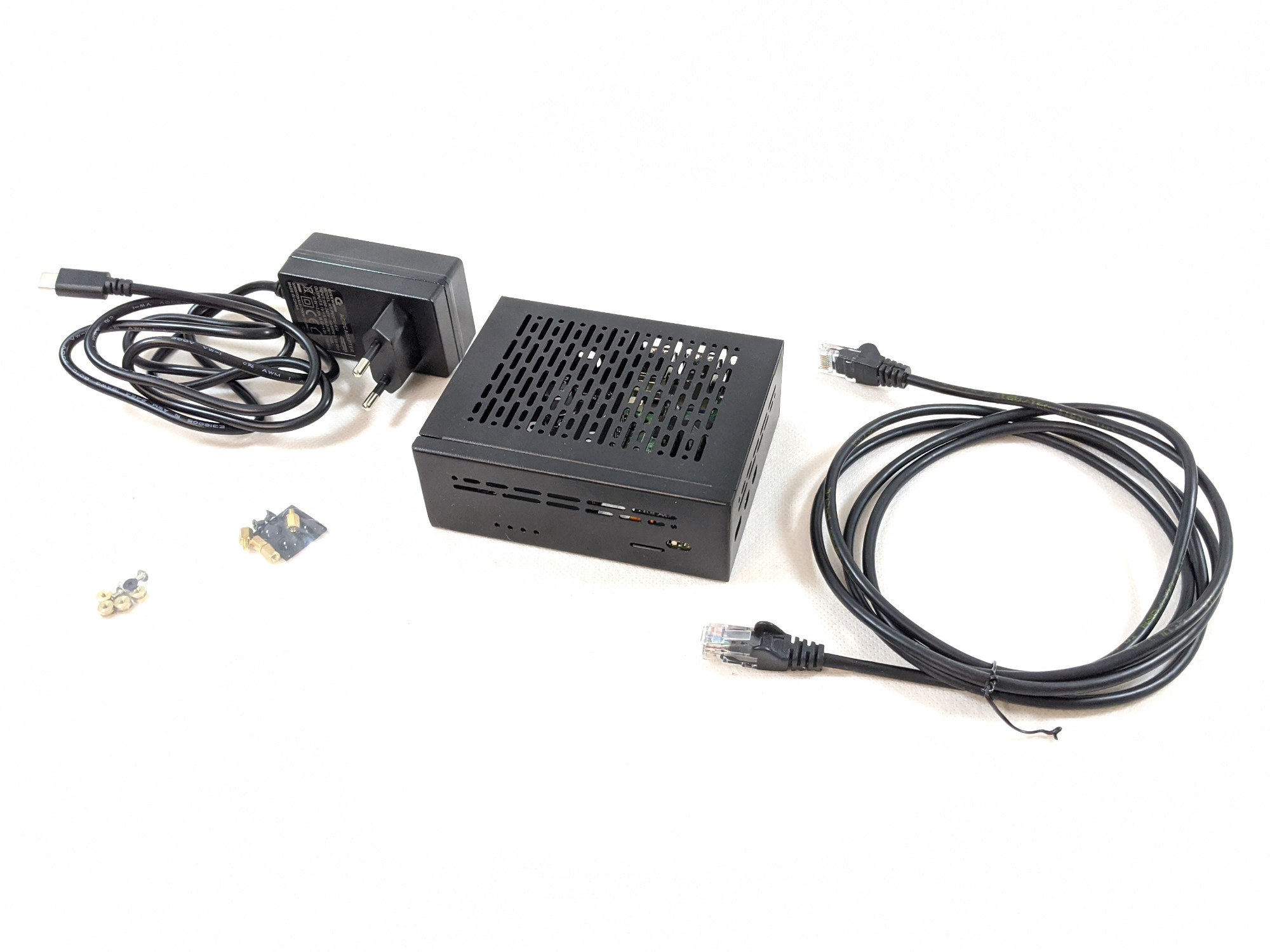
Hardware components are certified (CE/UKCA) by their respective manufacturers. OpenTUX acts as the system integrator.
Buy the parts and build it yourself?
| DIY | Pi-NAS | |
|---|---|---|
| Hardware cost | ~€480 | ✓ included |
| Time to assemble and install | 3–8 hours | 0 minutes |
| Tested configuration | ❌ | ✓ |
| Automatic data mirroring (Rsync) | ❌ | ✓ pre-configured |
| Warranty on the assembly | ❌ | ✓ 24 months |
| Support and guides | community | ✓ opentux.eu |
| Open-source image available for download | ✓ | ✓ |
What you're paying for and why
Have questions? Contact us at info@opentux.eu