

PiCloud is an open-source alternative to cloud services — physically at your home, without monthly fees and without dependence on foreign servers abroad. Your apps, documents, and calendar run on your own hardware.
Your apps, your rules.

The entire storage is integrated in one compact device — a Raspberry Pi 5 with an NVMe SSD drive — connected to your home network. It runs silently on a shelf, consuming less power than a light bulb. You can access your apps and documents from your phone or computer. Anytime, from anywhere.
PiCloud has only a single SSD drive and is therefore not suitable for storing large volumes of data such as videos, movies, photos, etc. For these purposes, we recommend the dedicated and redundant PiNAS.
What can PiCloud do?
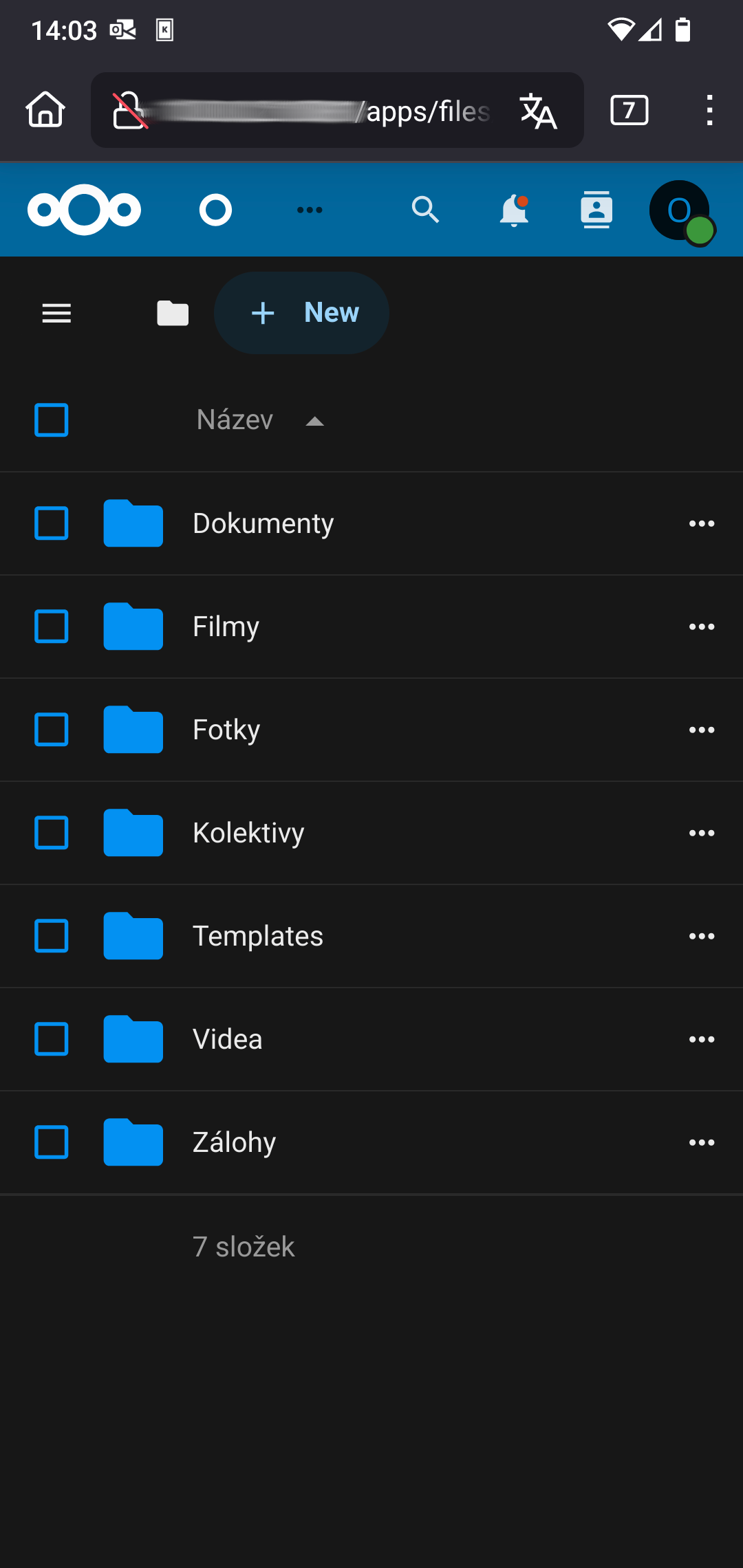
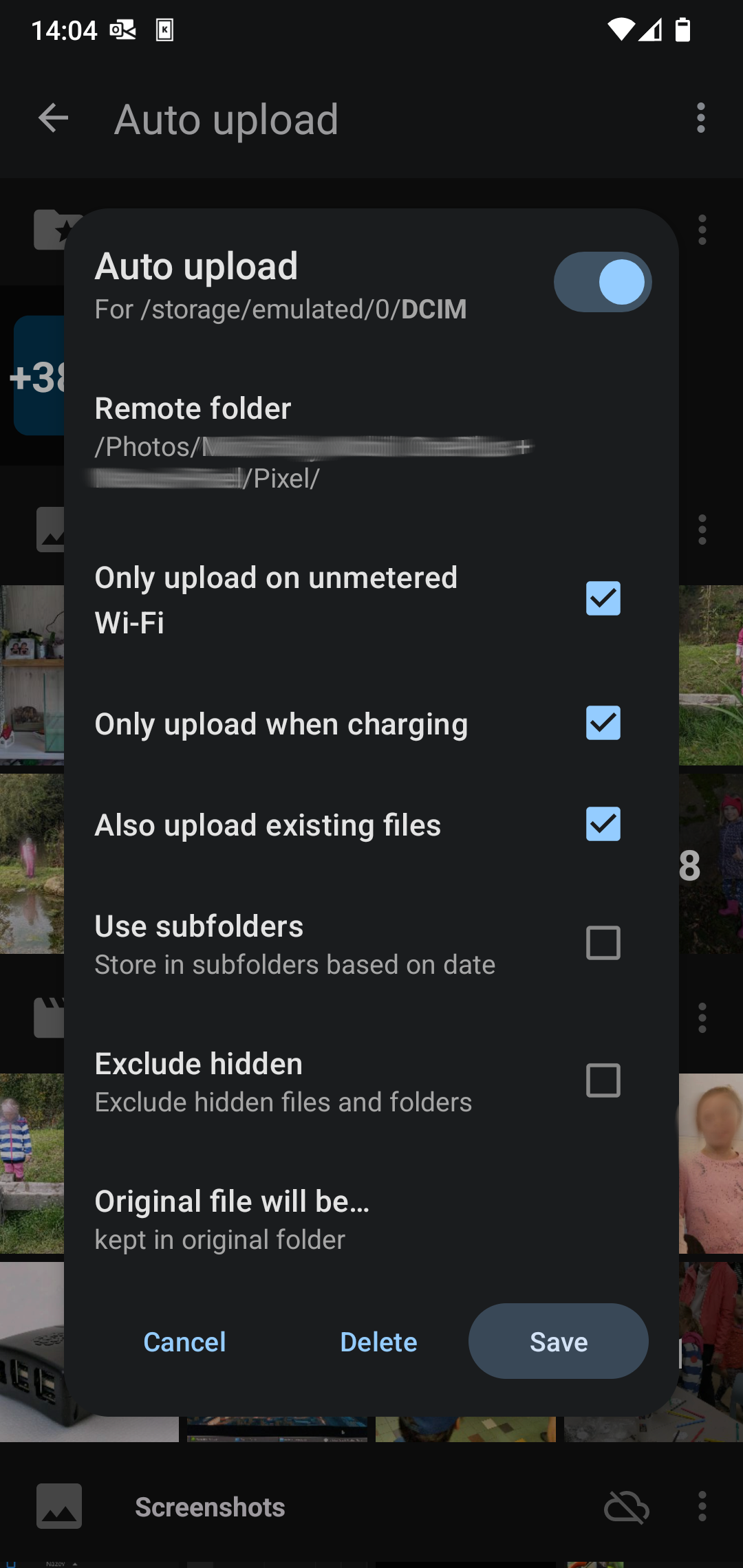
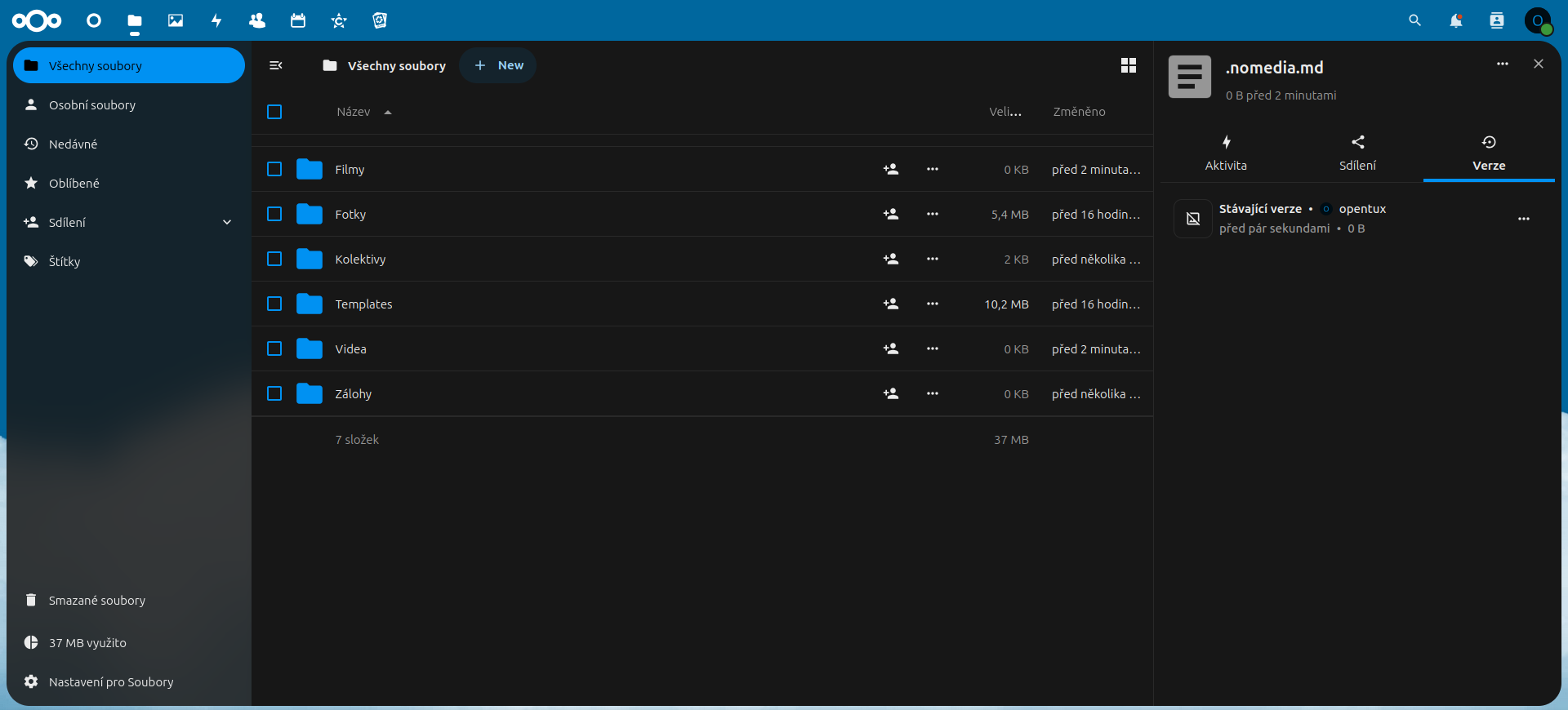
- Automatic document backup from your phone and computer — Nextcloud can silently synchronize documents from all your devices in the background
- Shared storage for the whole household — each family member has their own account with configured permissions; shared folders are accessible from laptops or phones
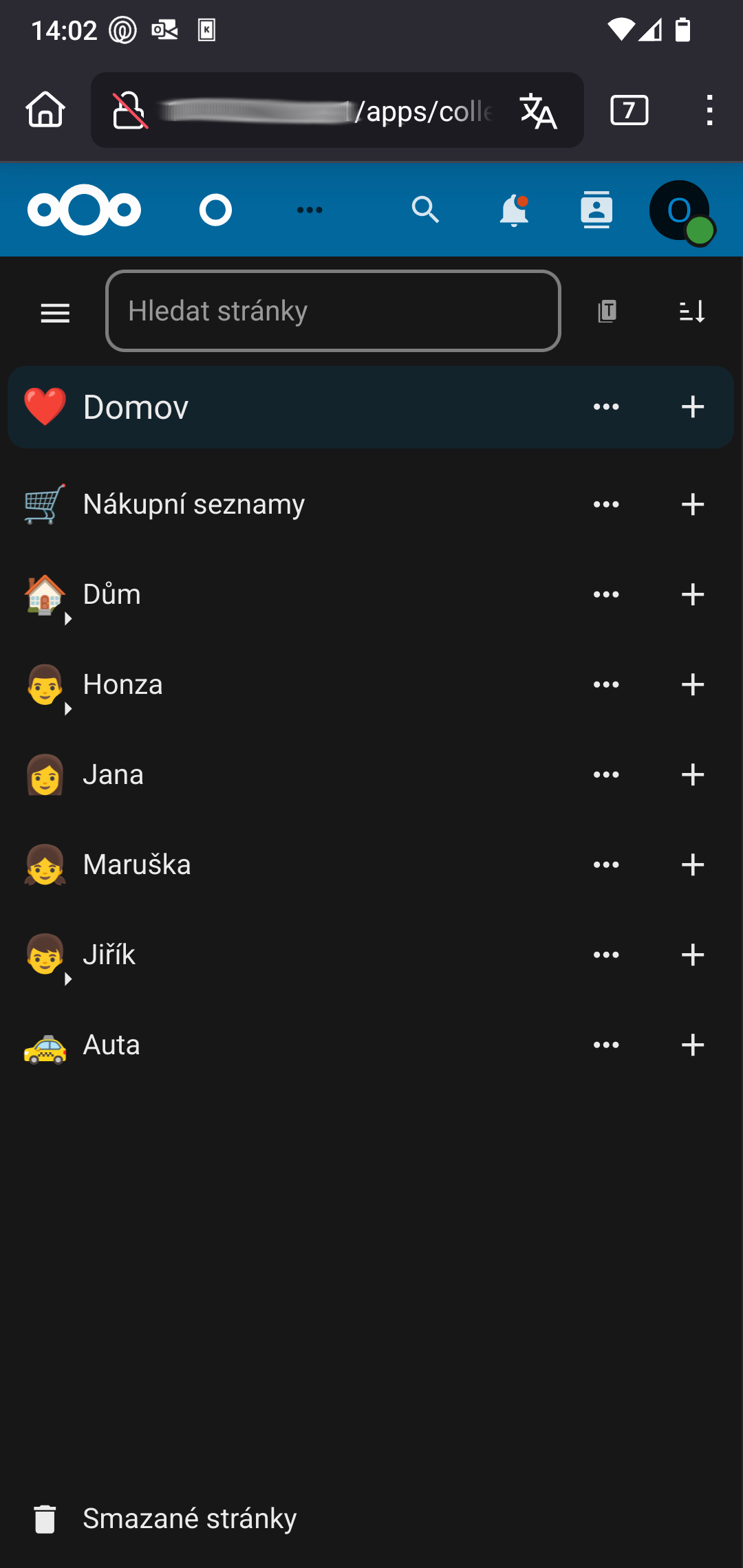
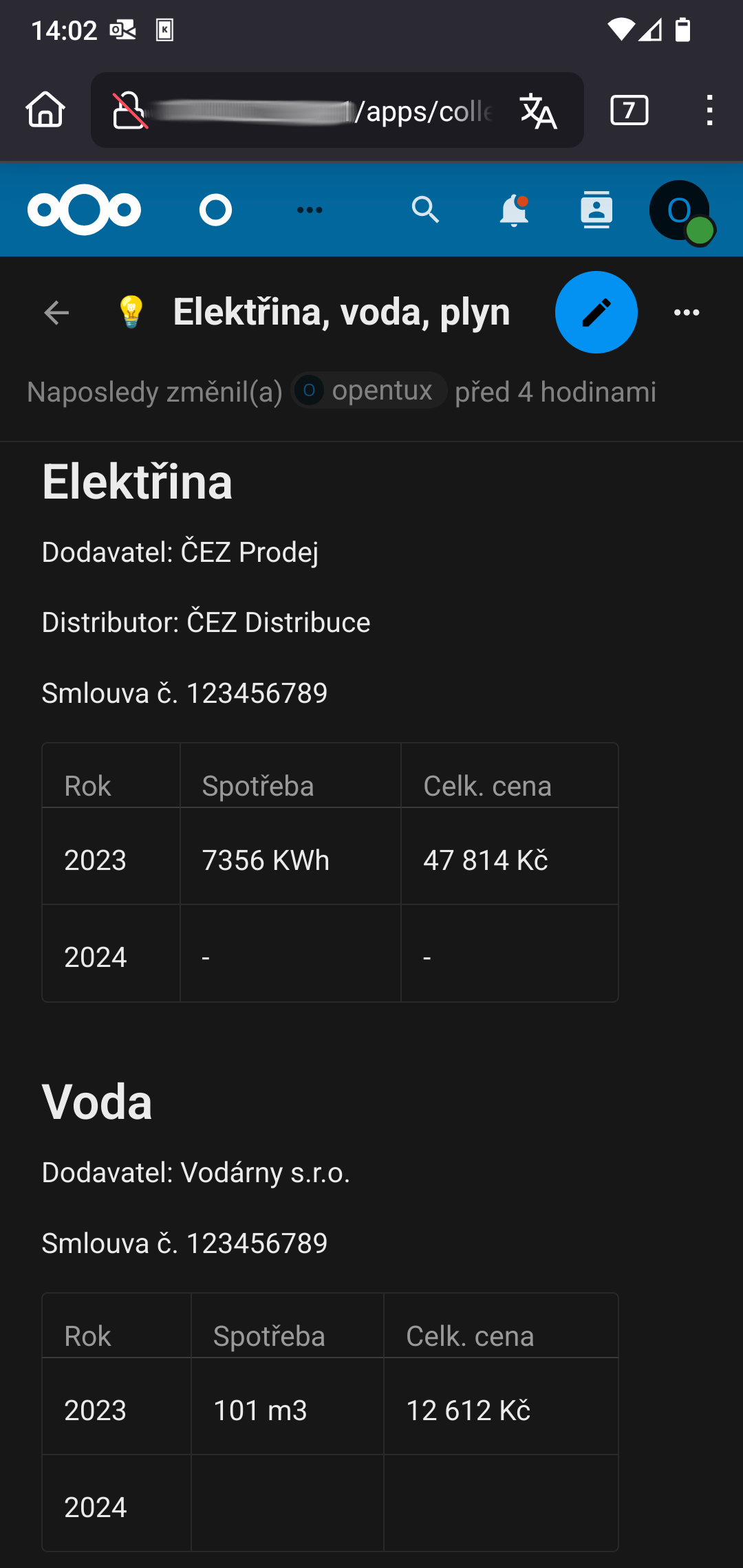
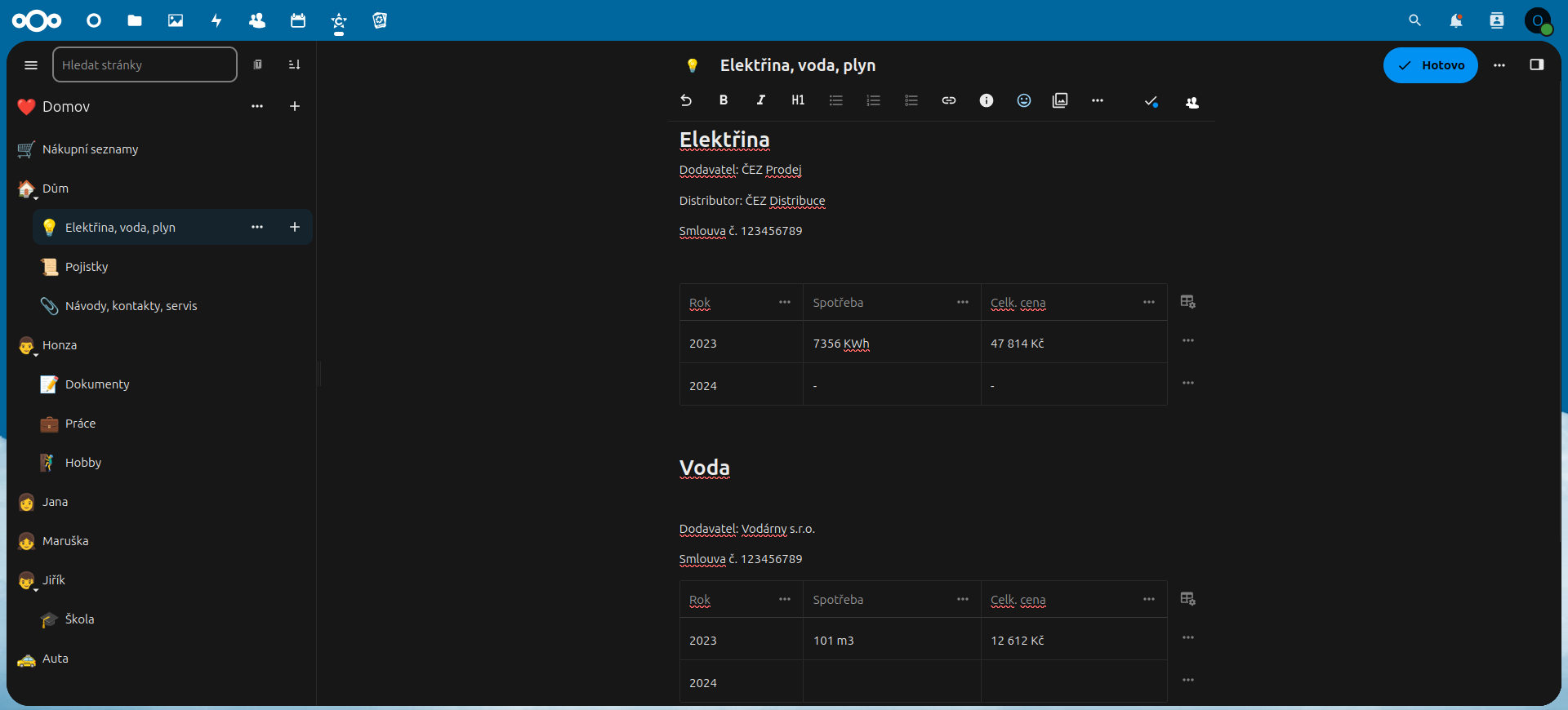
- Home intranet and wiki — Nextcloud Collectives serves as your own family Wikipedia; store recipes, manuals, contracts, travel itineraries, insurance policies, expenses, savings, and more
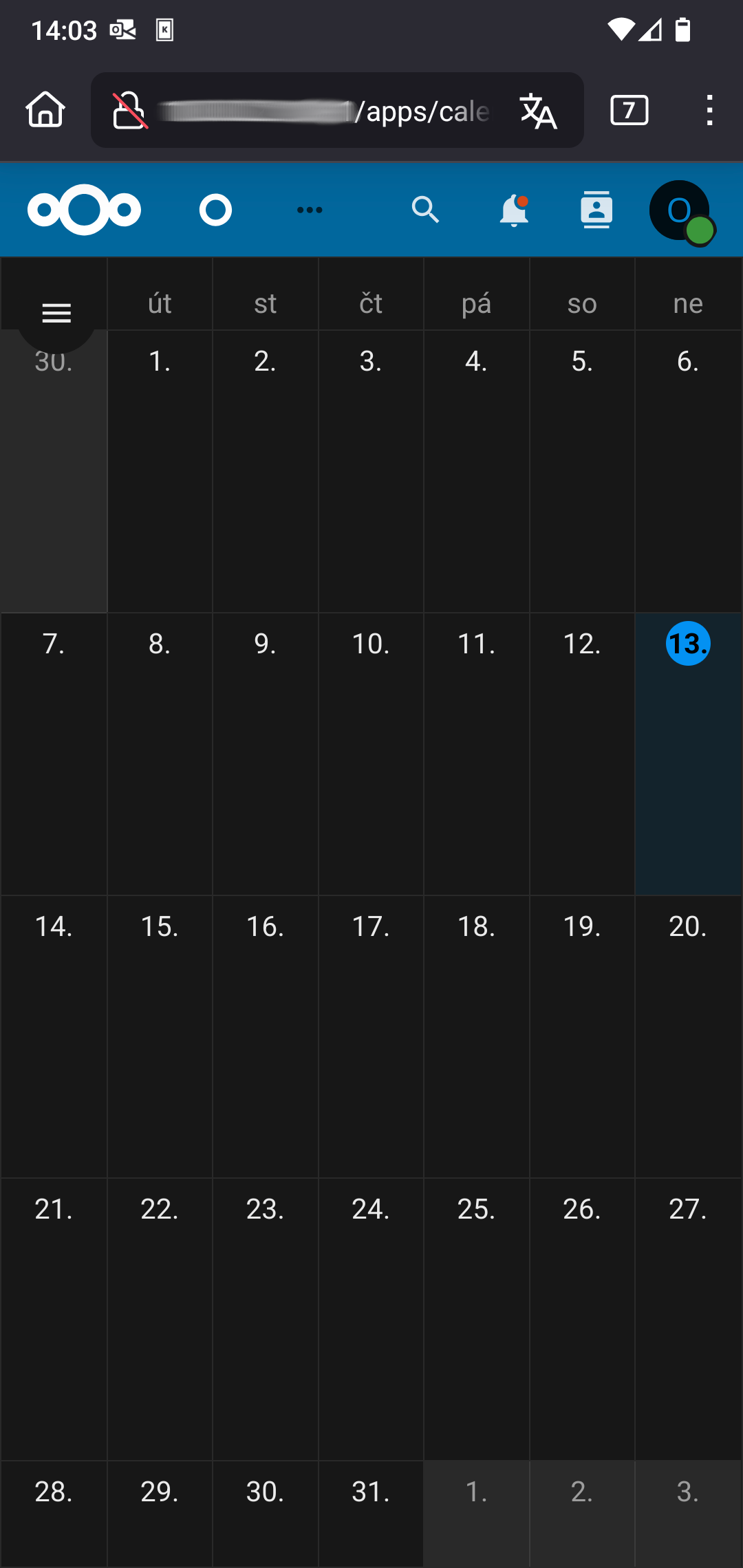
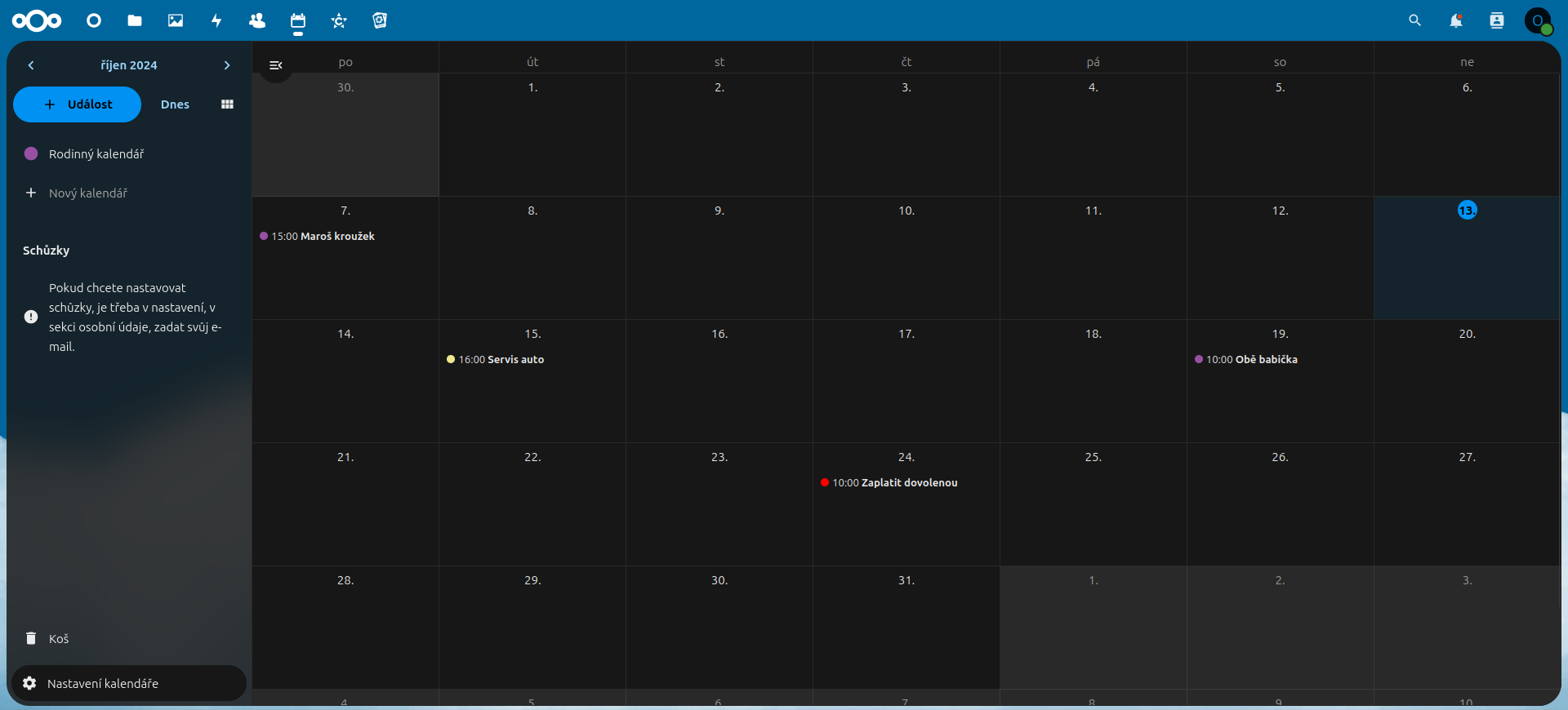
- Shared calendar and contacts — a family shared calendar accessible from your phone and browser, without having to entrust your data to Google or Apple
- PiHole — blocks ads and tracking at the level of your entire home network, on every device at once, without needing to install any browser extensions.
- Actual Budget — an overview of personal and family finances in one place. Automatic import of transactions from your bank. Your financial data stays with you only — no third parties. "Enveloping" budget, categorization.
- Duplicati — pre-installed backup of the PiCloud to your own external drive or storage.
Honestly: who is PiCloud suitable for and who is it not
PiCloud is suitable if…
- you share family calendars via Gmail and it bothers you that the data belongs to Google
- you want a secure place for sensitive documents — contracts, financial overviews, medical records
- you manage family or personal finances and don't want to entrust them to a third party
- you are annoyed by ads on every device in your household and don't want to install extensions in every browser
- you can handle basic work with a computer and phone
PiCloud is not suitable if…
- you want a fully managed solution without any configuration of your own — nobody will set up backups or add users for you; a basic willingness to Google things or ask ChatGPT is a necessity
- you need automatic mirroring of data to a second drive — for that, Pi-NAS is the right choice
You don't need to be a network administrator or a Linux expert. CasaOS and Nextcloud are managed through a clear web interface — no command line required. A large community, tutorials on opentux.eu, and tools like ChatGPT will lend a helping hand with your first steps. For more complex configurations, we offer remote and in-person assistance.
How does PiCloud work?
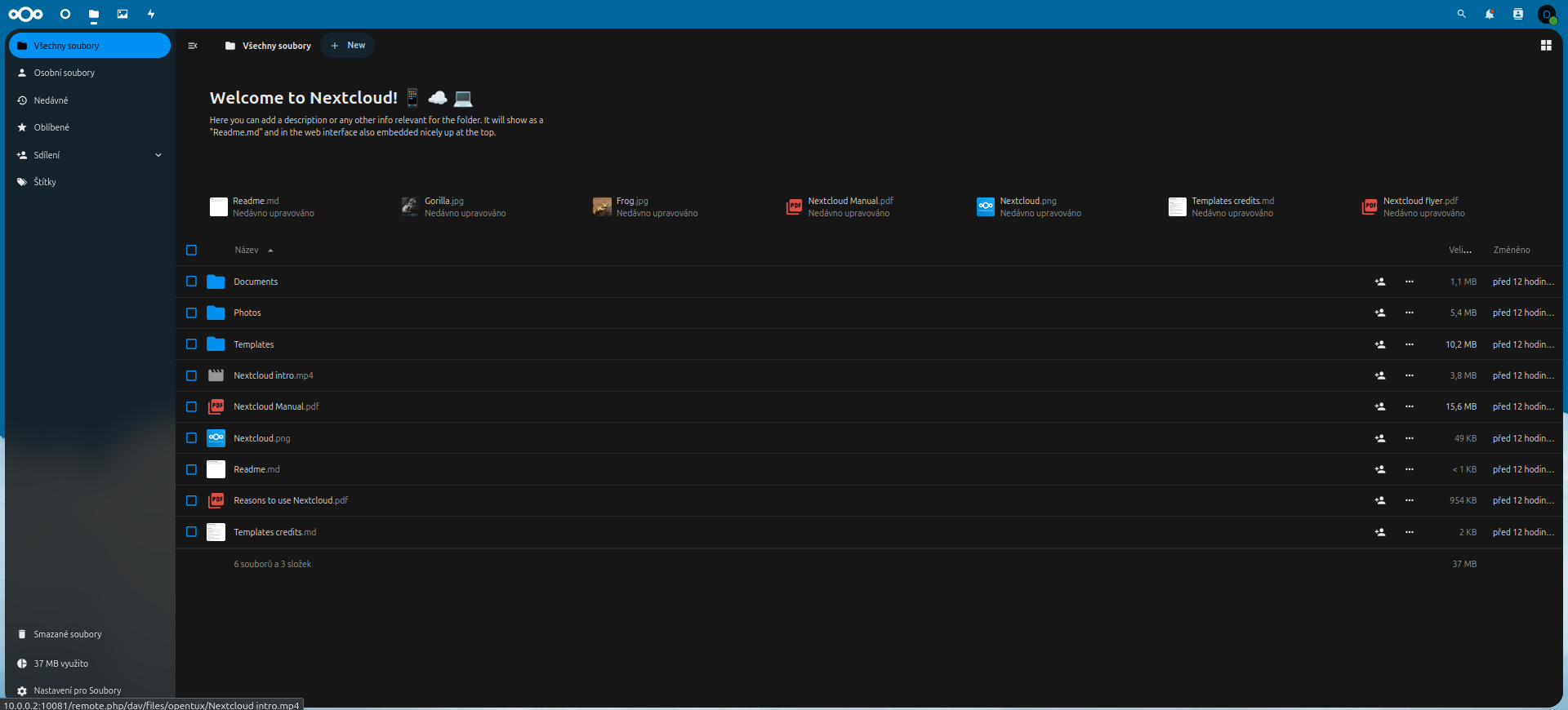
The foundation is a Raspberry Pi 5 — a small, quiet, and powerful microcomputer. You connect it via a LAN cable to your home network, and from that moment it acts as a network drive accessible to all devices on the network. Raspberry Pi runs Casa OS — a Docker container manager. Inside Docker runs Nextcloud, which handles synchronization of files, calendars, contacts, and wiki across all your devices — it works just like Google Drive, but the data is exclusively yours.
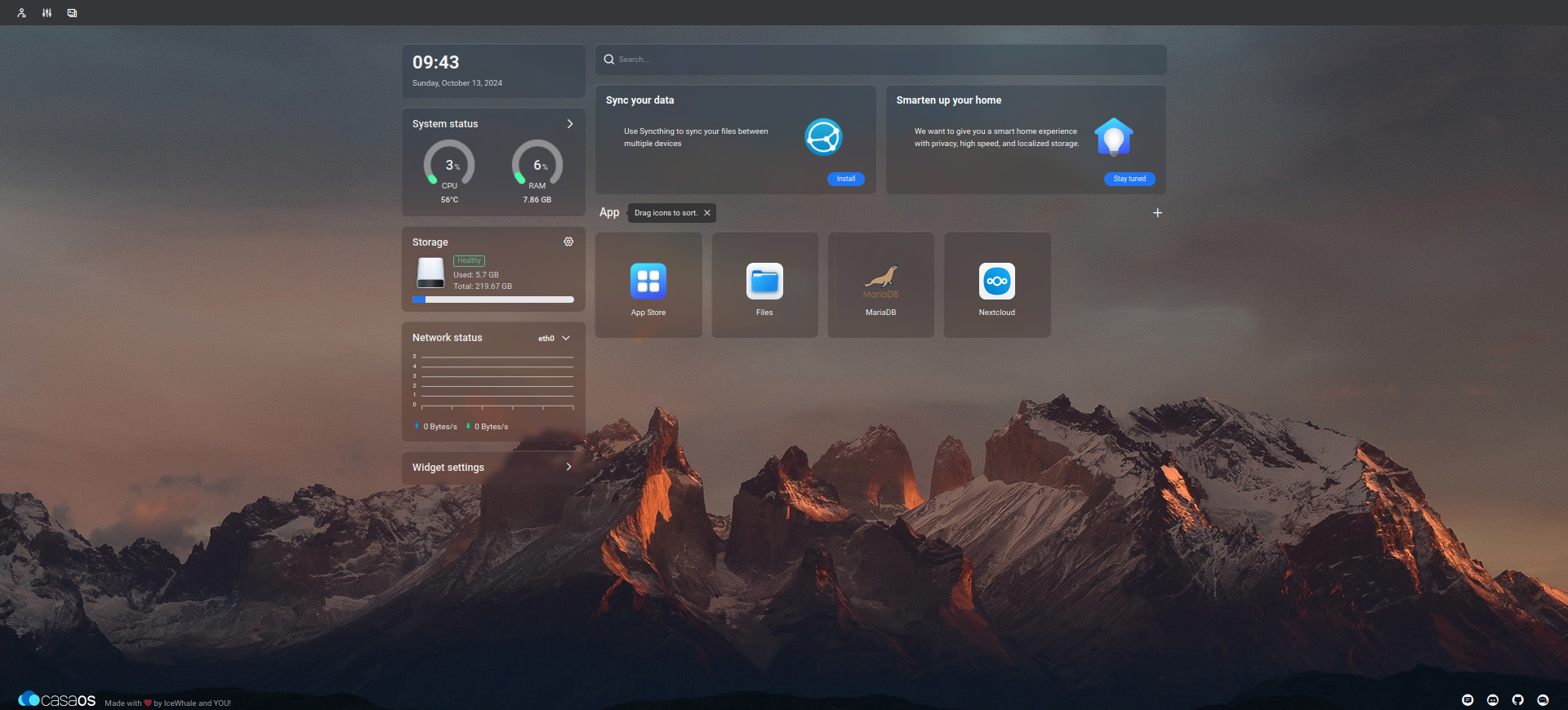
The application manager CasaOS lets you install additional services with a single click — VPN, Home Assistant, and dozens more. Everything runs locally, with no dependency on the internet or third-party subscriptions.
Want PiCloud at your home?
We have two possible paths for you. In the Tutorials section, we will guide you through the complete DIY process from choosing components to your first shared folder. For those who want a working storage right away, the fastest route is a pre-installed PiCloud from our e-shop — assembled, tested, and ready to plug in.
Screenshots
CasaOS — application manager
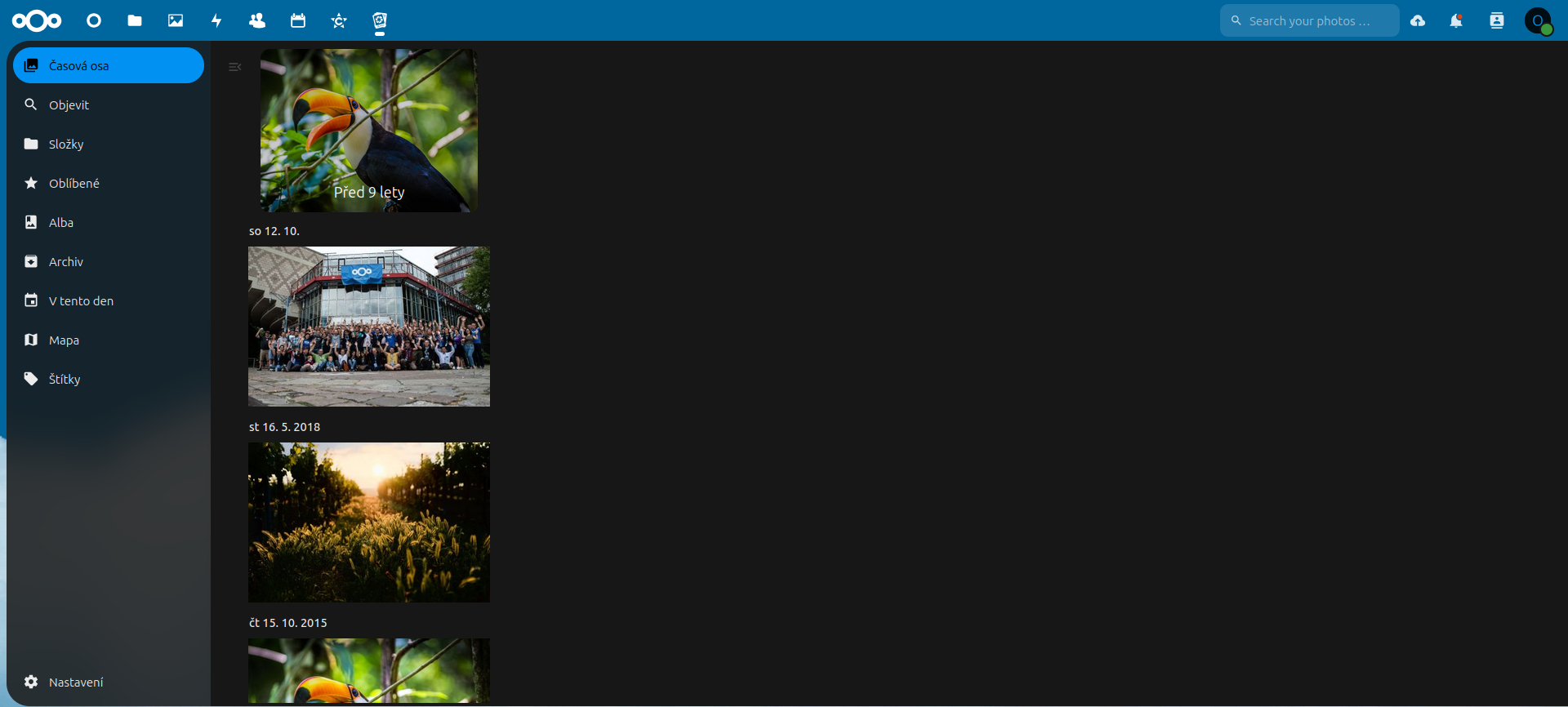
Nextcloud — web interface
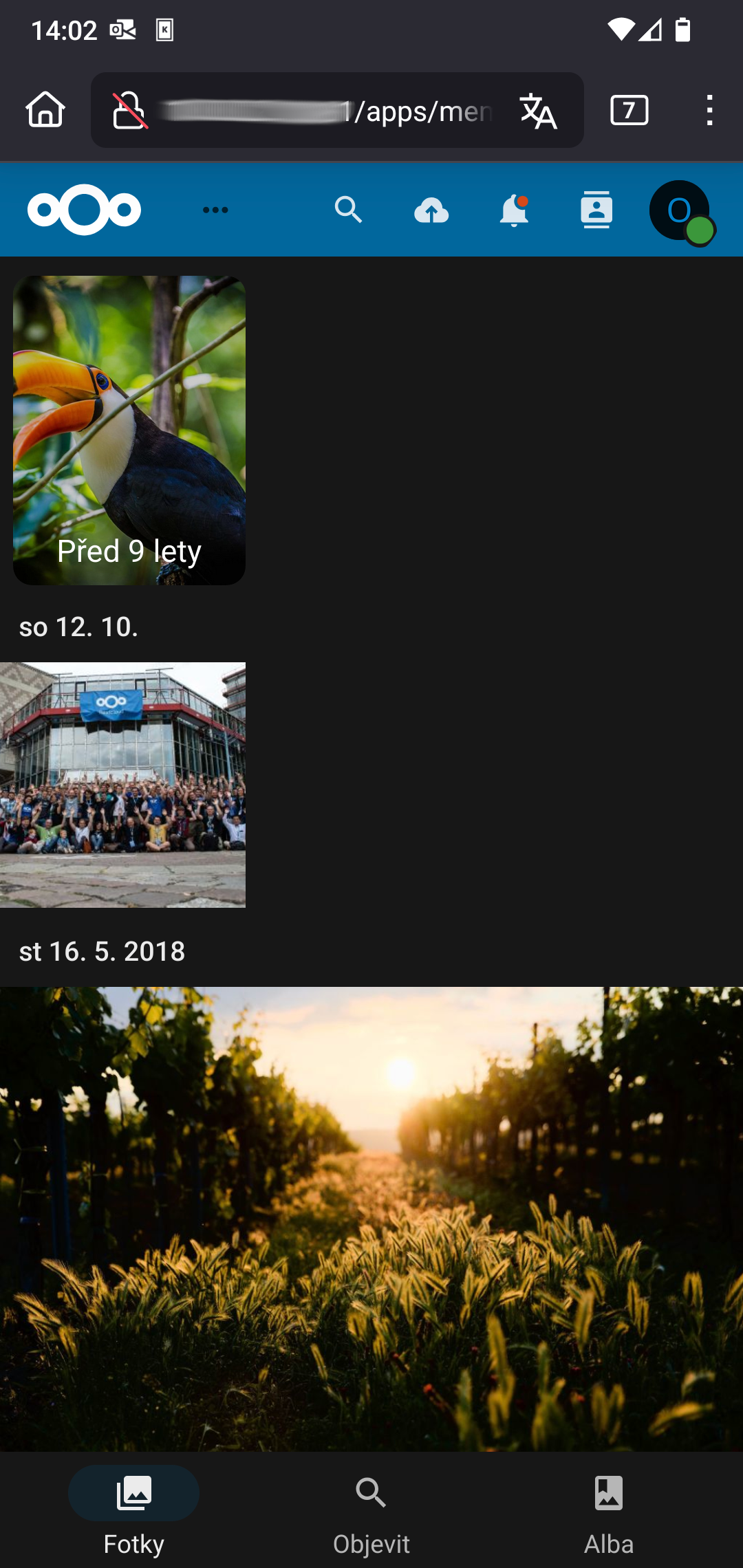
Mobile app