

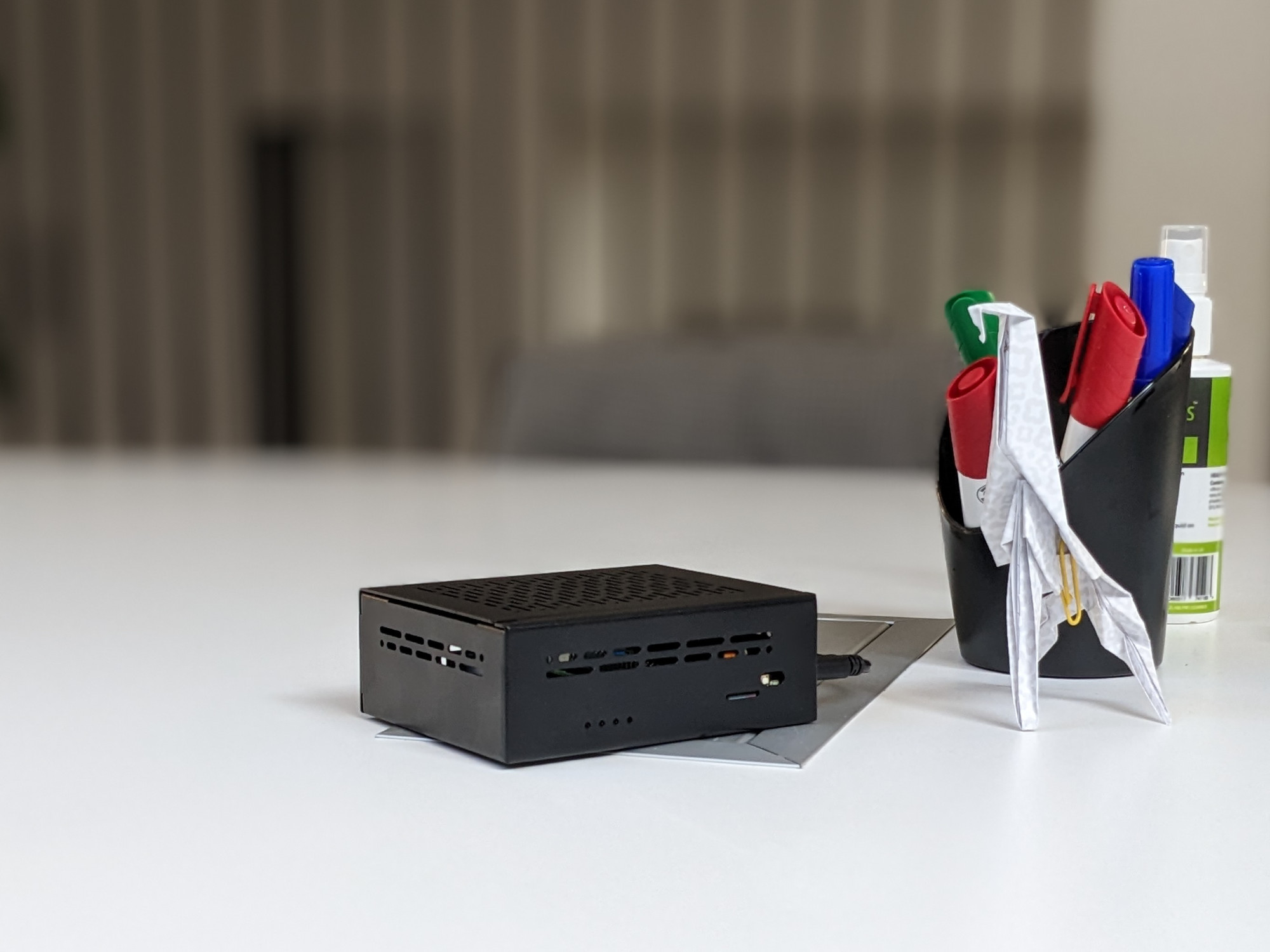
Pi-NAS is an open-source alternative to commercial NAS or cloud for your home or small business. With low operational and purchase costs, it handles all basic functions just like its proven commercial competitors. All without commercial constraints, openly and securely, and on top of that, quietly. Easily upgradeable and expandable.
What is it good for?
Home data storage or NAS (Network Attached Storage) is valuable for shared storage of electronic content in a home or small business. If you don't want to keep your personal documents like photos, videos, and work documents in the cloud, a NAS is the best option. NAS is connected to the local network, and designated folders are available via web interface or using protocols like SMB/CIFS, FTP, etc., within the local network. Every user and device, such as laptops, smartphones, or modern TVs, media centers (KODI), etc., can see these shared folders and read/write data according to specific permissions. It is possible to back up personal data to these folders, download and share multimedia, share them with other household members, etc.
NAS primarily serves a protective function, meaning the disk is either mirrored to another physical disk (RAID), or better yet, regularly backed up to a backup disk (e.g., using the RSync service). Security and the required reading and writing speed play an important role here, which also influences the hardware costs. The main difference between PiNAS and PiCloud is the number of disks. PiNAS can use up-to 4 SSD NVME discs. PiCloud operates on single SSD. It's not suitable to store large amount of critical data.
Why open-source NAS?
Thanks to single-board computers like the Raspberry Pi and open-source projects such as Open Media Vault and NextCloud, it is much easier to "build" your own NAS according to your needs. From the Raspberry Pi 5 version and with the lower prices of SSD drives, an SSD NAS is now a perfect choice. More skilled "geeks" can assemble their own NAS and install the software fairly quickly based on our tutorial. However, if you don't have the experience or time, we have prepared a pre-assembled and pre-installed NAS for you. We can even equip it with pre-formatted drives in advance.
Functionality
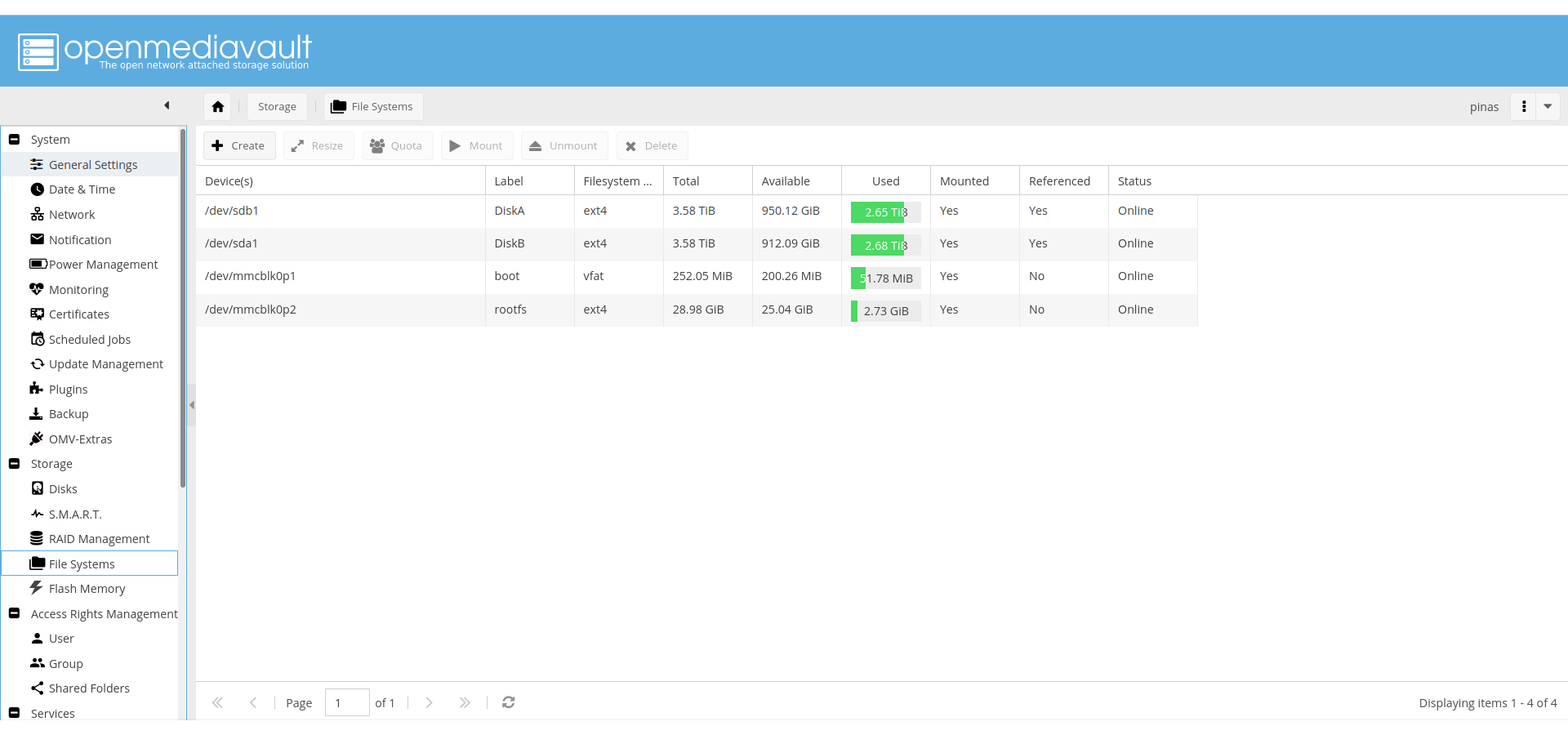
Open Media Vault
| NextCloud
|
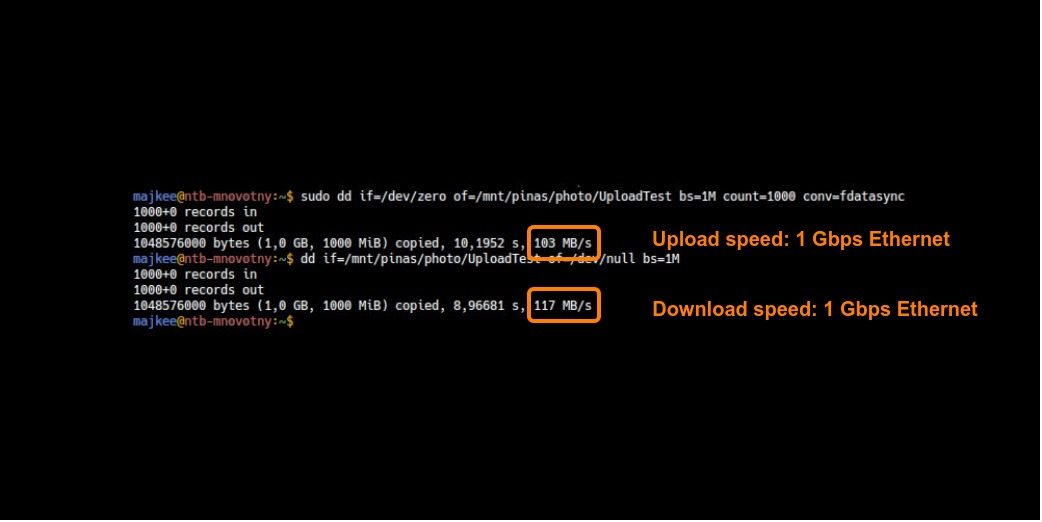
For more information about the features, visit the project's page at Open Media Vault.
Screenshots:
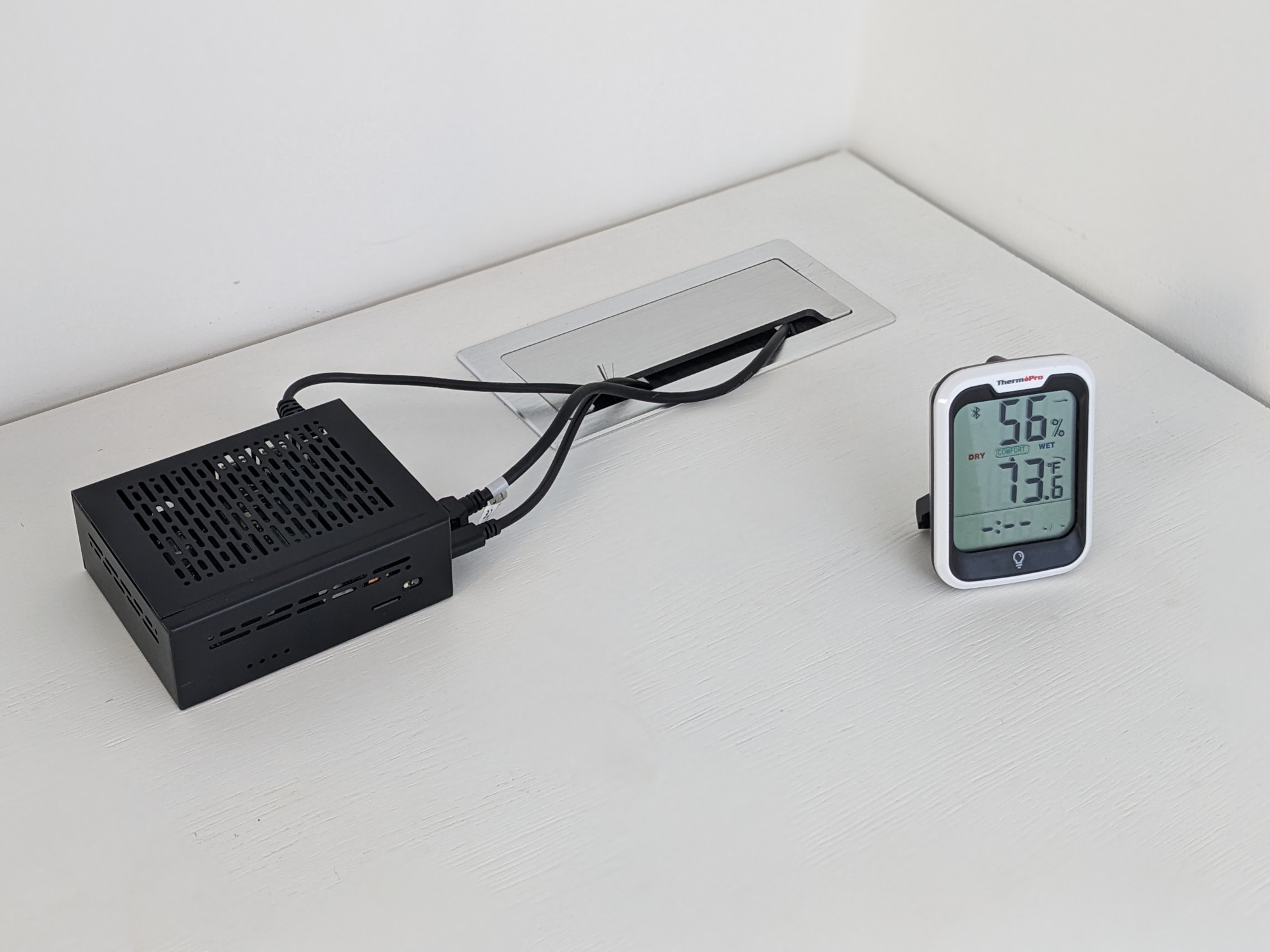
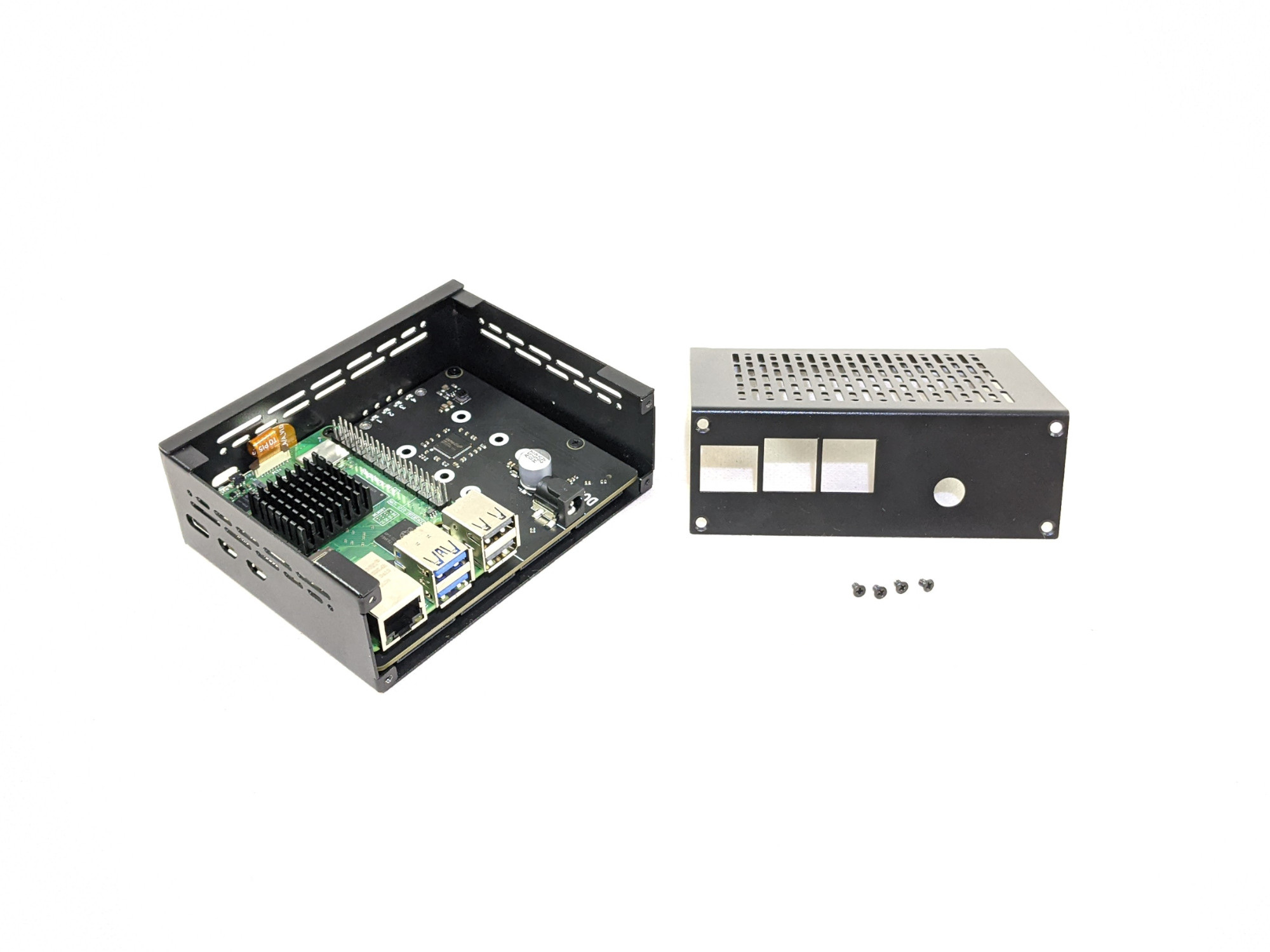
Hardware Tutorial for DIY here. Preinstalled ready-to-use PiNAS in our eshop.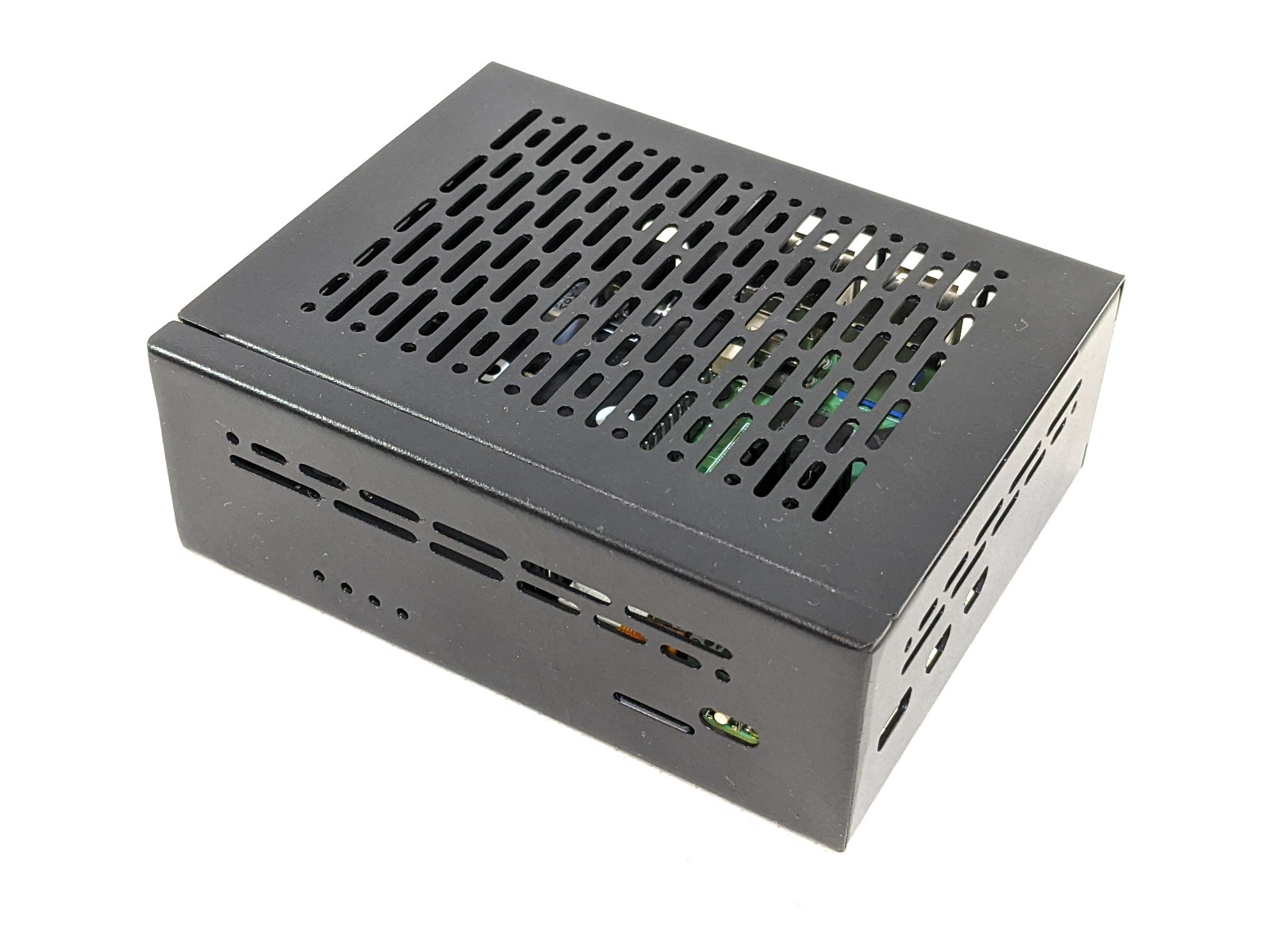
Software