



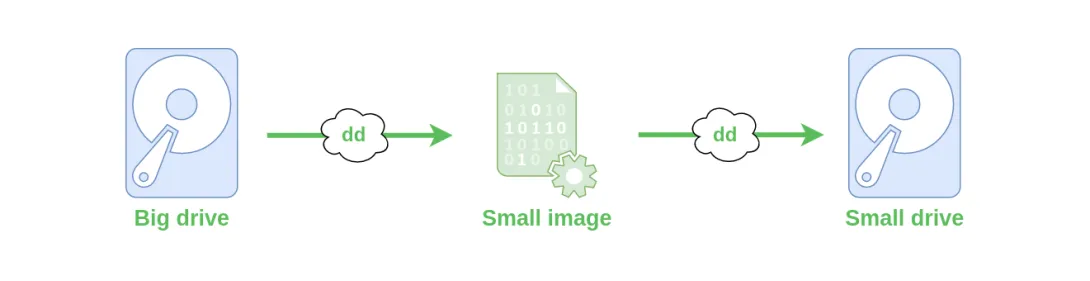
The classic disk cloning tool in Linux is the dd command. This command can create a disk image or write the contents of an image back to a disk. However, dd must be used carefully, and it’s important to understand how it works.
In this guide, we’ll demonstrate a more advanced technique for creating a disk image that includes unallocated space. A typical use case is when you have Raspbian installed on a 250 GB disk, but the system only uses a small boot partition (e.g., sda1) and a main operating system partition (e.g., sda2), which together occupy only 15 GB. Instead of saving a full 250 GB image, you can save just the two partitions totaling 15 GB. This results in a smaller image that can later be expanded to whole disk.